If you've ever embedded a GitHub Gist on your WordPress site, you already know the appeal: paste a shortcode, and a beautifully formatted code block appears on the page. But relying on GitHub Gist comes with trade-offs that aren't always obvious until something goes wrong.
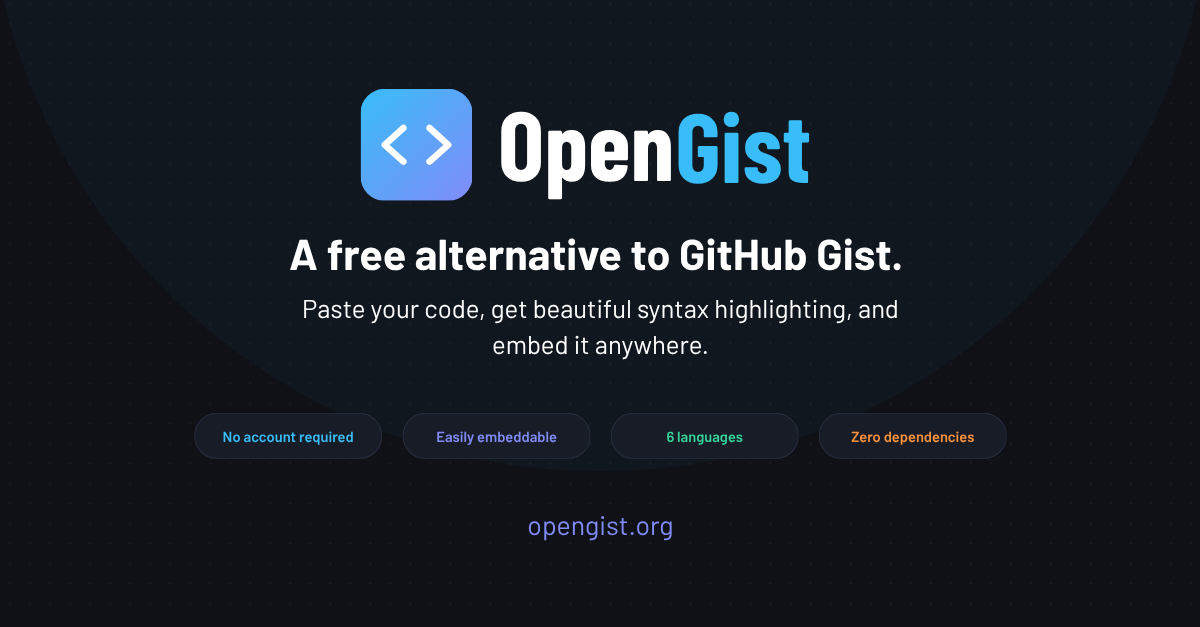
That's why I built OpenGist, a free, open-source WordPress plugin that gives you everything you love about GitHub Gist, without the dependency on a third-party service.
Why I Stopped Using GitHub Gist
GitHub Gist is convenient, but it has a few real problems for anyone running a professional site:
- Your snippets depend on GitHub's availability and policies. If GitHub goes down or changes how Gist works, your embedded snippets break.
- External script requests slow down your site. Every embedded Gist loads scripts from GitHub's servers, adding latency you can't control.
- You have no ownership. Your code lives on Microsoft's platform, not yours.
I wanted something self-hosted, lightweight, and under my full control. OpenGist is exactly that.
What Is OpenGist?
OpenGist is a WordPress plugin that lets you manage code snippets as a custom post type and embed them anywhere on your site using a simple shortcode. Everything is stored on your own WordPress install, with no CDN, no external API calls, and no third-party accounts required.
It's available for free on Codeberg: codeberg.org/mahmoodchowdhury/opengist
Features
Syntax highlighting via Prism.js (bundled locally): Prism.js is included directly in the plugin and does not load from any CDN. This means faster page loads and no risk of external script failures.
Coloured comments, keywords, strings, and variables: The code blocks aren't just monochrome text. Comments, keywords, strings, and variables each render in distinct colours, making snippets genuinely readable.
One-click copy button: Every snippet includes a copy button so visitors can grab the code instantly without selecting text manually.
Colour-coded language badges: Each snippet displays a badge indicating the language (HTML, CSS, JavaScript, PHP, GraphQL, or Config) so the context is always clear at a glance.
Word wrap on long lines: Long lines wrap cleanly rather than forcing a horizontal scroll, which matters a lot on mobile.
Zero external dependencies: Nothing is loaded from outside your server. No Google Fonts, no jsDelivr, no unpkg, just your own WordPress install.
Supported Languages
OpenGist currently supports the following languages out of the box:
- HTML
- CSS
- JavaScript
- PHP
- GraphQL
- Config / INI files
How to Install OpenGist
- Download opengist.zip directly from the repository
- Go to WordPress Admin → Plugins → Add New → Upload Plugin
- Upload the zip and click Activate Plugin
That's it. No configuration needed to get started.
How to Use It
Adding a snippet:
- Go to Code Snippets → Add New Snippet in your WordPress admin sidebar
- Give it a title, select the language, and optionally add a short description
- Paste your code and click Publish
- The shortcode is automatically generated and shown in the admin sidebar
Embedding a snippet:
Paste the shortcode into any post, page, widget, or block:
[open_snippet id="X"]
Replace X with the snippet's post ID. That's the entire workflow.
OpenGist vs GitHub Gist
| GitHub Gist | OpenGist | |
|---|---|---|
| Self-hosted | ❌ | ✅ |
| Free | ✅ | ✅ |
| Works inside WordPress | ❌ | ✅ |
| No external requests | ❌ | ✅ |
| Syntax highlighting | ✅ | ✅ |
| One-click copy | ❌ | ✅ |
| Works when GitHub is down | ❌ | ✅ |
| Your data, your server | ❌ | ✅ |
Also Available as a Web App
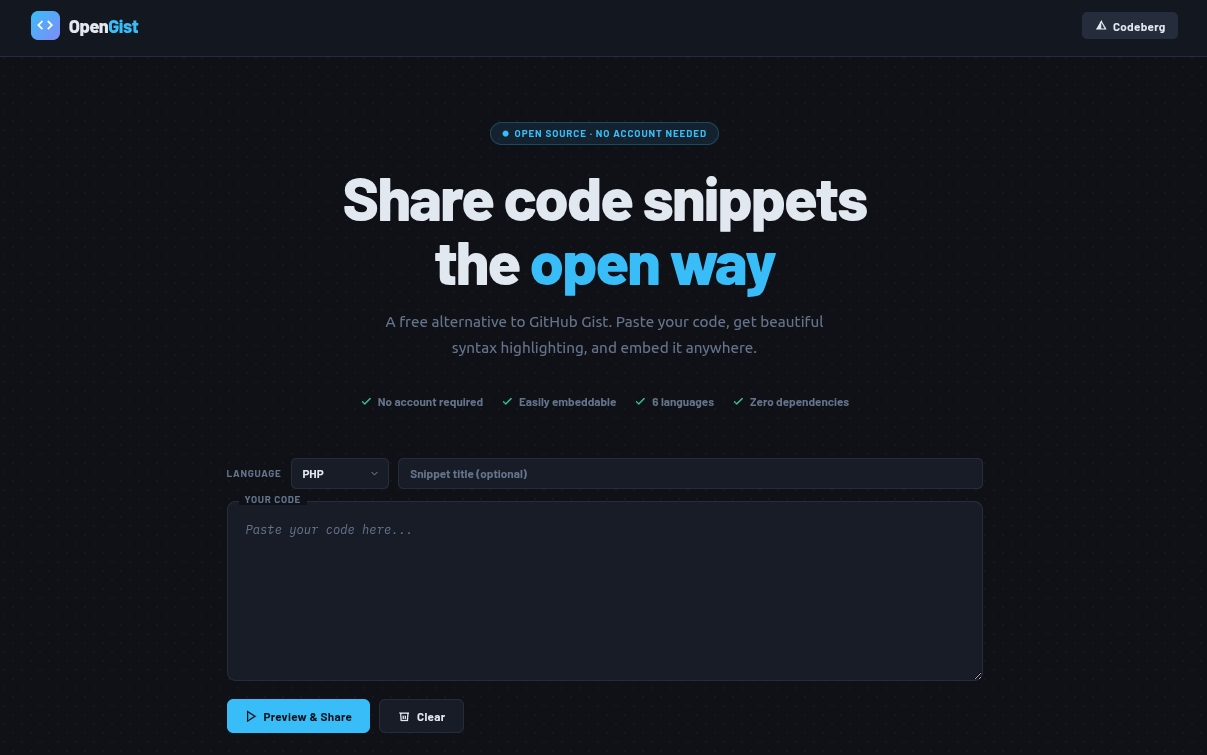
If you're not running WordPress, you can still use OpenGist via the web app at opengist.org. Paste your code, choose a dark or light embed theme, and copy a self-contained <script> embed tag to drop into any website, with no account needed.
Get OpenGist
The plugin is free and open source, licensed under GPL-2.0.
👉 Download it from Codeberg: codeberg.org/mahmoodchowdhury/opengist
Bug reports, feature requests, and pull requests are all welcome. If you find it useful, consider leaving a star on the repo.